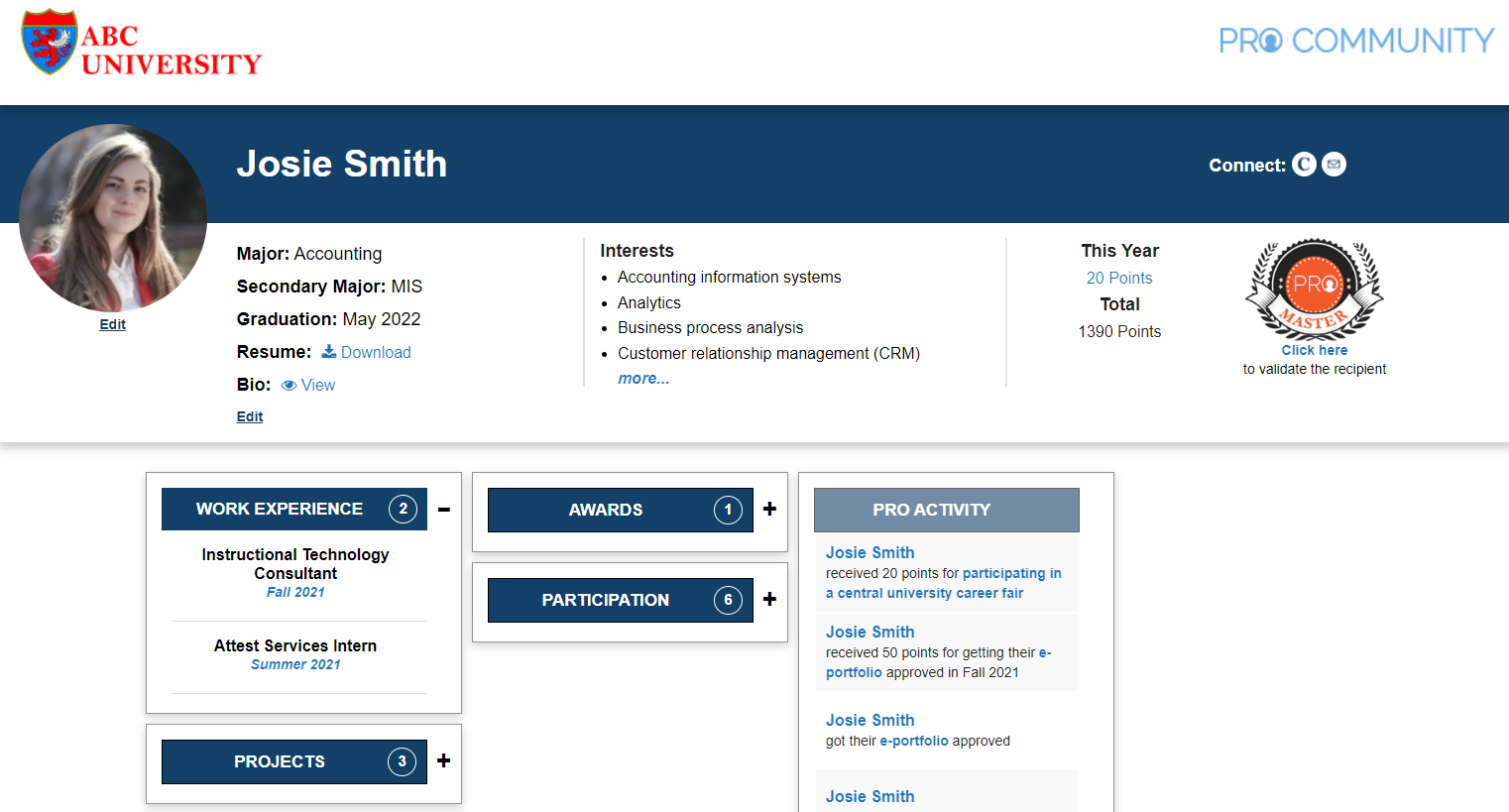
Portfolio – 50 PRO points
Requirements
- Appropriate site title based on your name, professional picture on the page and portfolio linked to your profile.
- Update the following PRO platform profile fields: major, affiliation, skills and interests, and graduation date.
- Update the field in the profile with the URL for your resume (in PDF format) (Note: Consider removing the home address from the public resume).
Evaluation criteria
- Complete ALL the above requirements. There is no partial credit.
- If one of the requirements above is missing or incomplete, the portfolio will be rejected.
How to receive points
- Log-in to PRO, on the top left hover on [Your name], portfolio, Dashboard, click Manage Points.
- Click Add New near the top. Select Portfolio.
- Review the PRO Community platform profile fields and update as needed.
- Scroll to the bottom of the screen. Make sure the URL of the new portfolio is selected.
- Click Submit.
- Once submitted, the portfolio is reviewed. The review process takes 2-5 business days.
- You will receive approval or rejection notification on email. To check status online, navigate to the Dashboard and click Manage Points.
- Approved portfolios will automatically receive 50 PRO points.
- To resubmit a rejected portfolio:
- Review the feedback. Navigate to Manage Points and click on Comments under Portfolio.
- Make improvements as needed.
- Navigate to Manage Points and click Resubmit under Portfolio to restart the process.